


Чит CS 2 [LX]
Ищете приватные читы для CS 2? На сайте dragon-hack.pro вы можете купить софт LX с набором функций для комфортной и продвинутой игры. Встроенный Aimbot помогает настраивать наведение на противников и подбирать параметры прицеливания под собственный стиль.
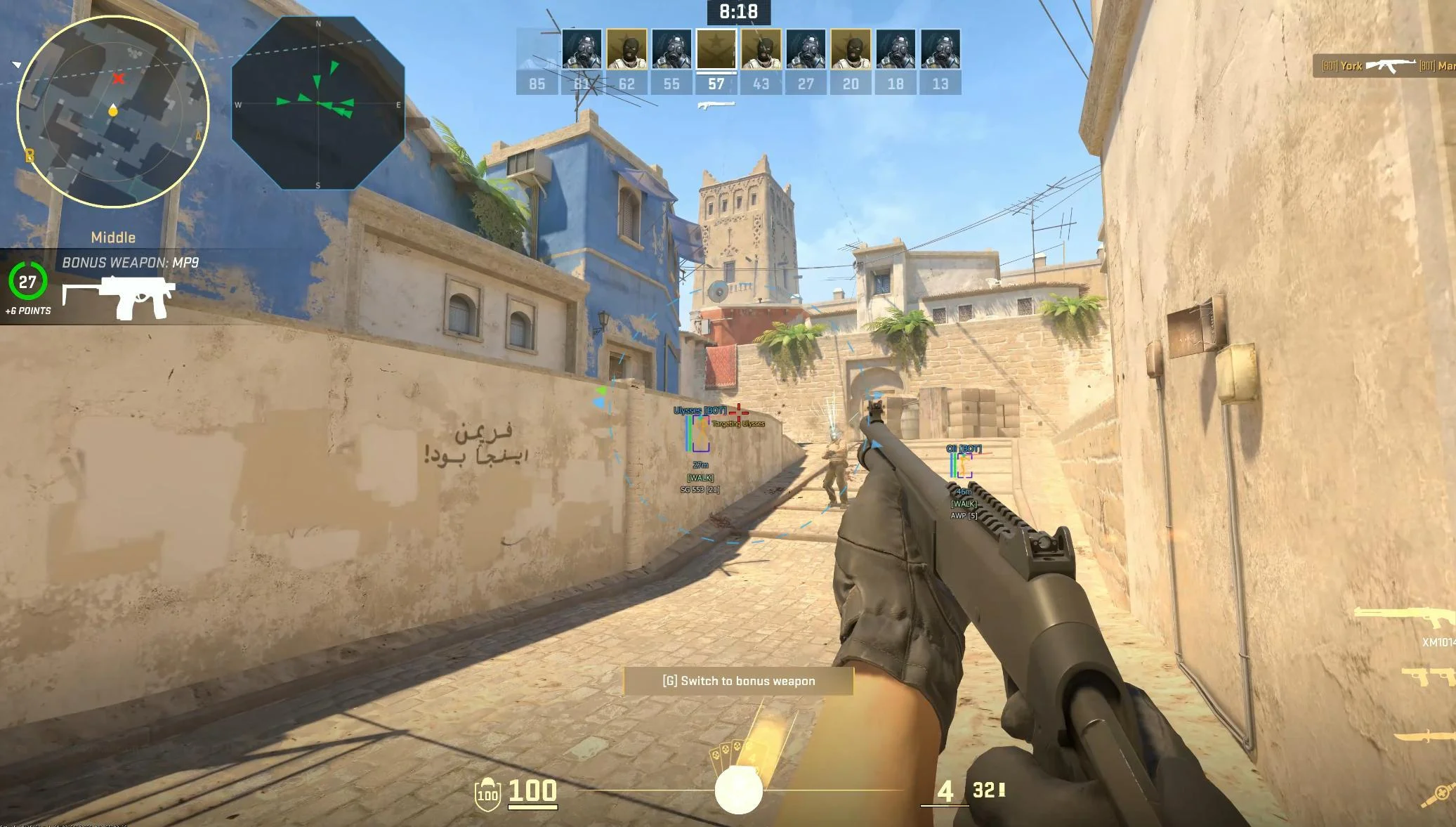
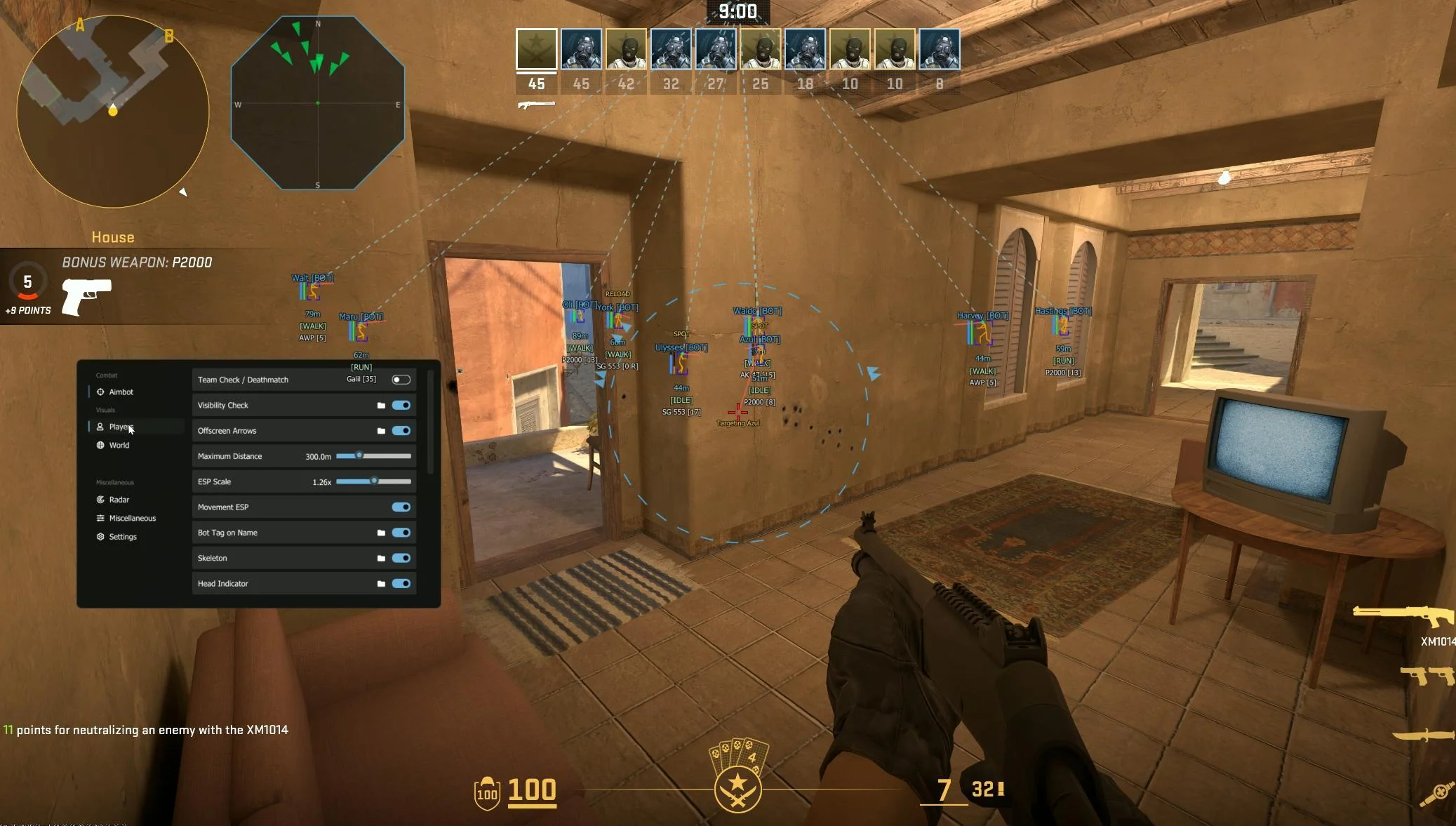
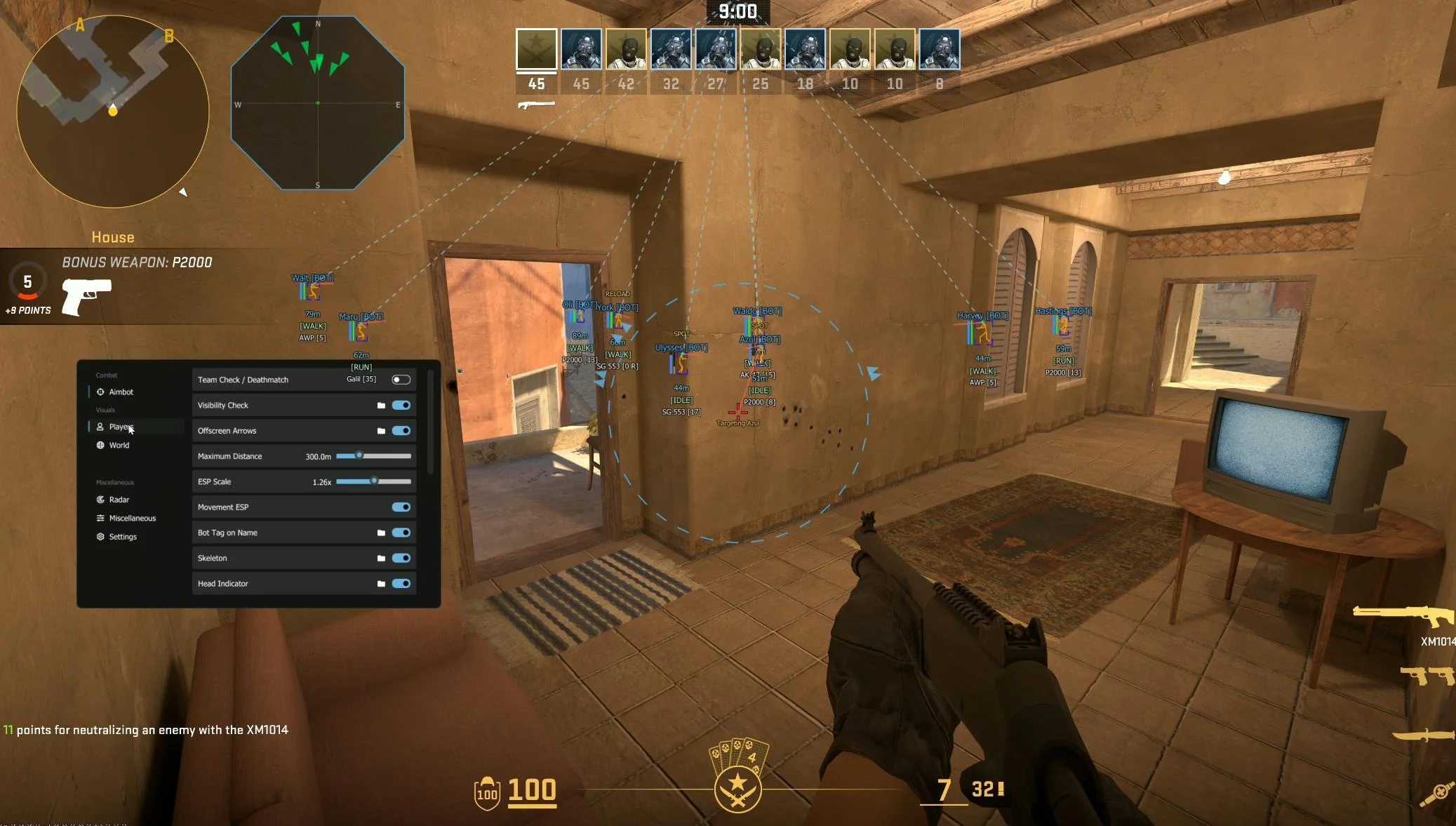
Видео
Функции Софта
- Combat
- Aimbot
- Enable Aimbot
- Aimbot Key
- Secondary Aim Key
- Force Head Key
- Enable Smoothing
- Smooth Scale
- Target Switch Delay
- Switch Delay
- Enable Prediction
- Prediction Scale
- Target Line
- Line Thickness
- Line Color
- Show Target Name
- Name Size
- Name Color
- Aim Target Highlight
- Style
- Box Outline
- Corner Box
- Circle
- Skeleton Tint
- Thickness
- Pulse
- Color
- Aimbot FOV
- Aimbot FOV
- FOV Radius
- Show FOV Circle
- Filled Circle
- Pulsing Radius
- FOV Style
- Solid
- Dashed
- Gradient
- Pulse Glow
- RGB Rotating
- Thickness
- Transparency
- FOV Color
- Gradient Style
- Gradient Inner
- Gradient Outer
- Pulsing
- Pulse Speed
- Pulse Range
- Hitbox
- Hitbox Selection
- Head
- Neck
- Pelvis
- Chest
- Closest
- Player ESP
- Global Settings
- Team Check / Deathmatch
- Visibility Check
- Aimbot Vis Check
- Outscreen Arrows Vis Check
- Radar Vis Check
- Snapline Visible Color
- Snapline Not Visible Color
- Arrow Visible Color
- Arrow Not Visible Color
- Radar Visible Color
- Radar Not Visible Color
- Offscreen Arrows
- Arrow Size
- Arrow Thickness
- FOV Offset
- FOV Offset Distance Scale
- Show For
- Players
- Bots
- Both
- Color
- Maximum Distance
- ESP Scale
- Movement ESP
- Bot Tag On Name
- Short Form [BOT]
- Custom Text
- Skeleton ESP
- Skeleton
- Line Thickness
- Color
- Head Indicator
- Head Indicator
- Shape
- Circle
- Diamond
- Square
- Size Scale
- Color
- Distance ESP
- Distance
- Position
- Above
- Below
- Color
- Box ESP
- Box
- Box Type
- Full
- Corners
- Thickness
- Corner Box
- Corner Size
- Filled Box
- Fill Opacity
- Color
- Look Direction
- Look Direction
- Color
- Weapon ESP
- Weapon
- Position
- Above
- Below
- Color
- Name ESP
- Name
- Position
- Above
- Below
- Padding Y
- Color
- Snaplines
- Snaplines
- Anchor
- Bottom
- Top
- Center
- Style
- Solid
- Dashed
- Thickness
- Arrow At Target
- Color
- Health ESP
- Healthbar
- Position
- Left
- Right
- Top
- Bottom
- Bar Thickness
- Color Mode
- Fixed
- Gradient
- Low HP Color
- High HP Color
- Armor Bar
- Extra ESP
- ESP Flags
- Money ESP
- Weapon Ammo
- World ESP
- Global Settings
- Show Distance Text
- Maximum Distance
- Text Scale
- Color Mode
- Static
- Fade By Distance
- Fade Range
- World FOV Dot Mode
- FOV Radius
- Dot Size
- Show FOV Circle
- World Toggle Hotkey
- World Items
- Planted C4
- Color
- Dropped Weapons
- Color
- Radar
- General
- Enable Radar
- Radar Hotkey
- Radar Size
- Radar Zoom
- Max Distance
- Show World Items On Radar
- Radar Position
- Move Mode
- Drag
- Fixed XY
- Pos X
- Pos Y
- Radar Shape
- Shape
- Square
- Circle
- Hexagon
- Octagon
- Radar Background
- Background
- Color
- Opacity
- Radar Border
- Border
- Color
- Thickness
- Radar Center
- Center Dot
- Color
- Size
- Compass
- Crosshair
- Player Dots
- Player Dots
- Player Color
- Bot Color
- Dot Size
- Player Arrows
- Player Arrows
- Player Color
- Bot Color
- Size
- Opacity
- Miscellaneous
- Combat
- TriggerBot
- Mode
- Normal
- Seed
- Hitchance
- TriggerBot Delay
- Trigger Max Distance
- Trigger Key
- Bunnyhop
- Bunnyhop Key
- Recoil Control (RCS)
- No Flash
- Bomb Timer Hotbar
- Settings
- General
- Controller Support
- Stream Proof Mode
- Hotkeys
- Menu Key
- Panic Key - Hold 2 Seconds
- Unload Cheat
- Language
- Language Selection
- English
- Русский
- 中文
- Türkçe
- Português
- Deutsch
- 日本語
- Tiếng Việt
- Français
- עברית
- ภาษาไทย
- Configuration
- Save Config
- Load Config
Системные Требования
Игровой клиент:

Launcher
Поддерживаемые процессоры:

Intel & AMD
OC:

Windows 10 - 11
Spoofer:

None
Античит:

EAC
Игровой режим:

All

 Мы
используем куки
Отзывов пока нет.